
- Prof. Dr. Wolfgang Büscher, University of Bonn
- Dr. Katharina Dahlhoff, Haus Düsse Research and Training Centre
- Dr. Adriana Förschner, Baden-Württemberg Agricultural Centre
- Dr. Jernej Poteko, Bavarian State Institute for Agriculture
- Prof. Dr. Ralf Waßmuth, Osnabrück University of Applied Sciences
Guest:
- Dr. Isabella Lorenzini, LfL
- Dr. Rebecca Simon, Landesbetrieb Landwirtschaft Hessen
- Saskia Markmann, Landesbetrieb Landwirtschaft Hessen
- Leonie Schnecker, Landesbetrieb Landwirtschaft Hessen
Introduction
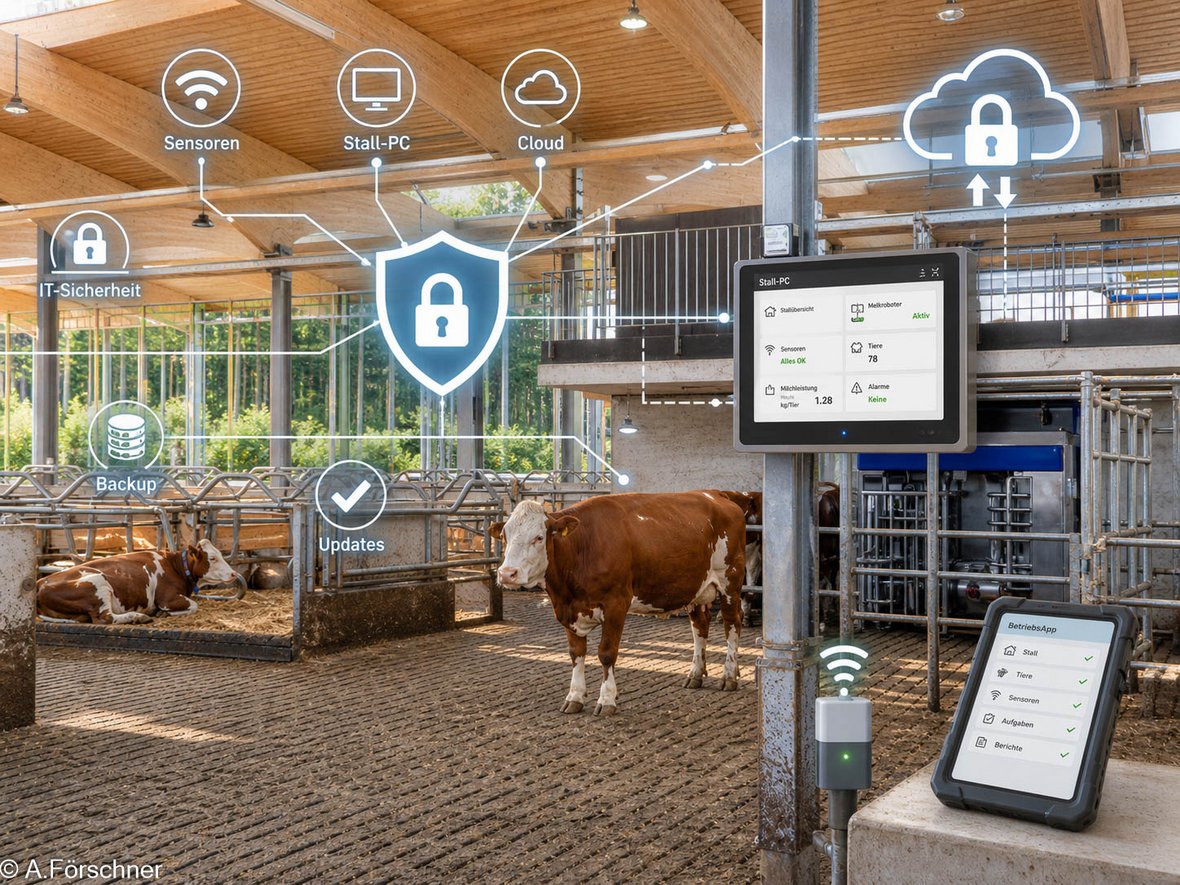
In a modern livestock farm, there is a wide range of digital devices and applications. These range from automatic milking systems to oestrus detection. Digitalisation has also become an integral part of cattle housing: feeding, milking, oestrus detection or the recording and assessment of health parameters – many systems relevant to health and animal welfare are digitally supported. A failure or malfunction can pose major challenges for a farm – including financial ones.
Furthermore, it is important to raise awareness of the data held on the farm, which in some cases is also subject to documentation requirements. In addition to sensitive operational data and information, this includes the personal data of staff, as well as historical data and images, which may not be recoverable under certain circumstances.
Awareness of the risks associated with the use of digital, internet-enabled technology is often still low. These risks are frequently underestimated, yet they are real and form part of everyday life in the digital environment.
Specific risks and challenges on farms
- Close links between private and business life – including at a digital level
- High dependence on (various) external service providers
- External service providers often have almost unrestricted access to systems (remote maintenance, etc.)
- Use of vulnerable operating systems and devices (out of support)
- Many systems are permanently connected to the internet
- High interconnectivity between systems
- Reliance on smooth operational processes – problems can quickly affect animal health and welfare
- Lack of resources – the farm manager is usually also responsible for IT security
- Agricultural holdings may form part of critical infrastructure (KRITIS) in the food sector
Any device connected to the internet can be a target for attack, including, for example, those that can be controlled via remote maintenance. However, it is not only digital attacks that can lead to data loss and system failure on the farm, but also the simple loss of end devices (theft, malfunction). As a general rule: ‘Those who lock up and protect themselves have peace of mind – those who don’t invite thieves in.’ Typical targets and types of attack are shown in Table 1.
| Attack | What is affected? | How can this happen? | Further explanations and consequences |
|---|---|---|---|
| Theft / Loss | Farm office PC, farm smartphone, storage media, industrial PC (built into systems) | The loss of the smartphone results in the loss of access to the milking robot software and herd management systems. The systems cannot be used, or can only be used to a limited extent. | Theft or loss of the device can result in the loss of access to systems and data; in some cases, specialist software may no longer be accessible. Unbacked-up data may not be recoverable under certain circumstances. Do not leave devices unattended! |
| Data leak (user data / mobile numbers) | Messaging services (e.g. WhatsApp), the farm’s email address, telephone number, social media channels | Receipt of fake parcel notifications or invoices sent to the ‘leaked’ contact details → phishing (risk: infection of the company’s PC or mobile devices) | Personal (contact) data is hijacked during a cyberattack on a service provider (e.g. online retailers), published without authorisation and then used by attackers to send targeted messages containing links to fake and infected websites or apps (phishing). |
| Phishing | Farm PC, farm smartphone, messaging services (e.g. WhatsApp), farm email address, bank details, social media channels | Obtaining access details by deception (e.g. milking robots, monitoring systems, bank details) | Theft of login or bank details via fake or infected websites, apps, QR codes or phone calls. Subsequent data misuse or even identity theft. |
| Ransomware (malware / encryption Trojans) | Farm PC, industrial PC | Clicking on an infected link triggers the installation of the ransomware, locking the entire PC running barn software (milking robots / monitoring systems, etc.). The screen may display a ransom demand as a static image. | The PC is encrypted by ransomware. A ransom demand, often in Bitcoin, is made in order to unlock it. Even after payment, decryption only occurs in around 50 per cent of cases. The PC is no longer usable once encrypted. |
DDoS (Distributed Denial-of-Service attack) | All web- or cloud-based software solutions, e.g. cloud-based monitoring systems | The servers of manufacturers, service providers, breeding associations, HI-Tier or similar organisations are so overloaded that services can no longer be accessed. For example, it is no longer possible to submit a movement notification via the database’s online form following the purchase of an animal. | ‘Bot’ networks / software send an endless stream of requests to the targeted web software or database. The heavy load of requests overloads the servers, rendering them inaccessible. Protection is usually provided by the service provider / supplier. |
| Spam | Farm PC, work smartphone | Emails promising, for example, a large inheritance, a job offer or the chance to meet your dream partner. They may also include fake communications from official bodies regarding alleged criminal charges. Demands for money are also common. | These are generally emails that reach the target unsolicited. They contain advertising, attempts at fraud or fake links (see phishing / ransomware). |
| Computer viruses / worms | Work PC, company smartphone | In most cases, PC users end up on infected websites via fake links whilst browsing, and thus download fake software (often small games). | Virus kits make it easy to put together malware and place it on fake websites or send it via email.
|
| Social engineering | Office PC, company smartphone, messaging services (e.g. WhatsApp), company email address, bank details, social media channels | A purported support staff member gains access to login details by providing false information and can thus manipulate the system or steal sensitive data, either on-site or via remote access. | People are exploited as a weak point. Attempts are made to gain trust through deception and manipulation, thereby persuading victims to disclose personal data (see phishing). |
Table 1: Typical attack targets and types
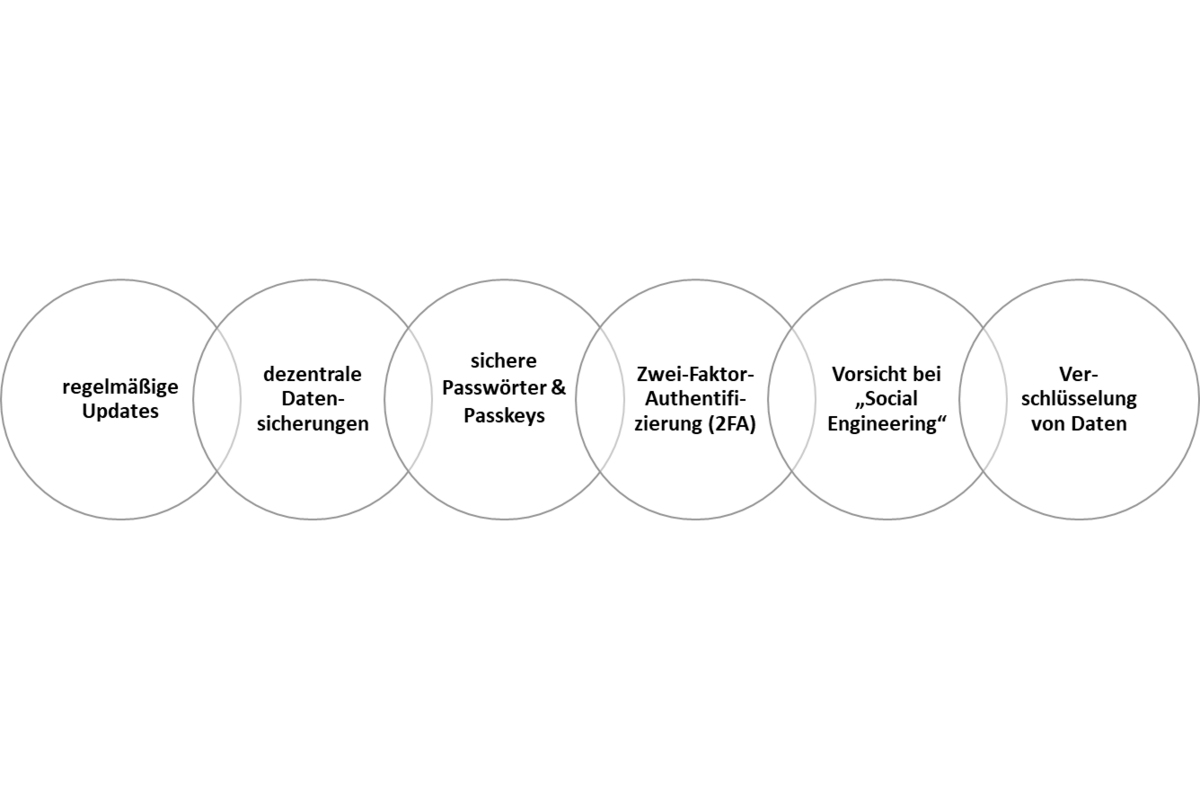
In order to proactively provide an organisation with the best possible protection against data or information being accessed, manipulated or destroyed, a number of IT security principles should be observed. The costs and effort involved in establishing basic protection (Fig. 2) are considered to be minimal. The aim is to minimise the risk of an analogue or digital IT failure. However, 100 per cent security cannot be guaranteed. Therefore, a contingency plan should be in place for the business in the event of an emergency.
At present, training courses for managers and staff are still few and far between. IT security should form part of the induction programme, particularly when new staff are joining the organisation.
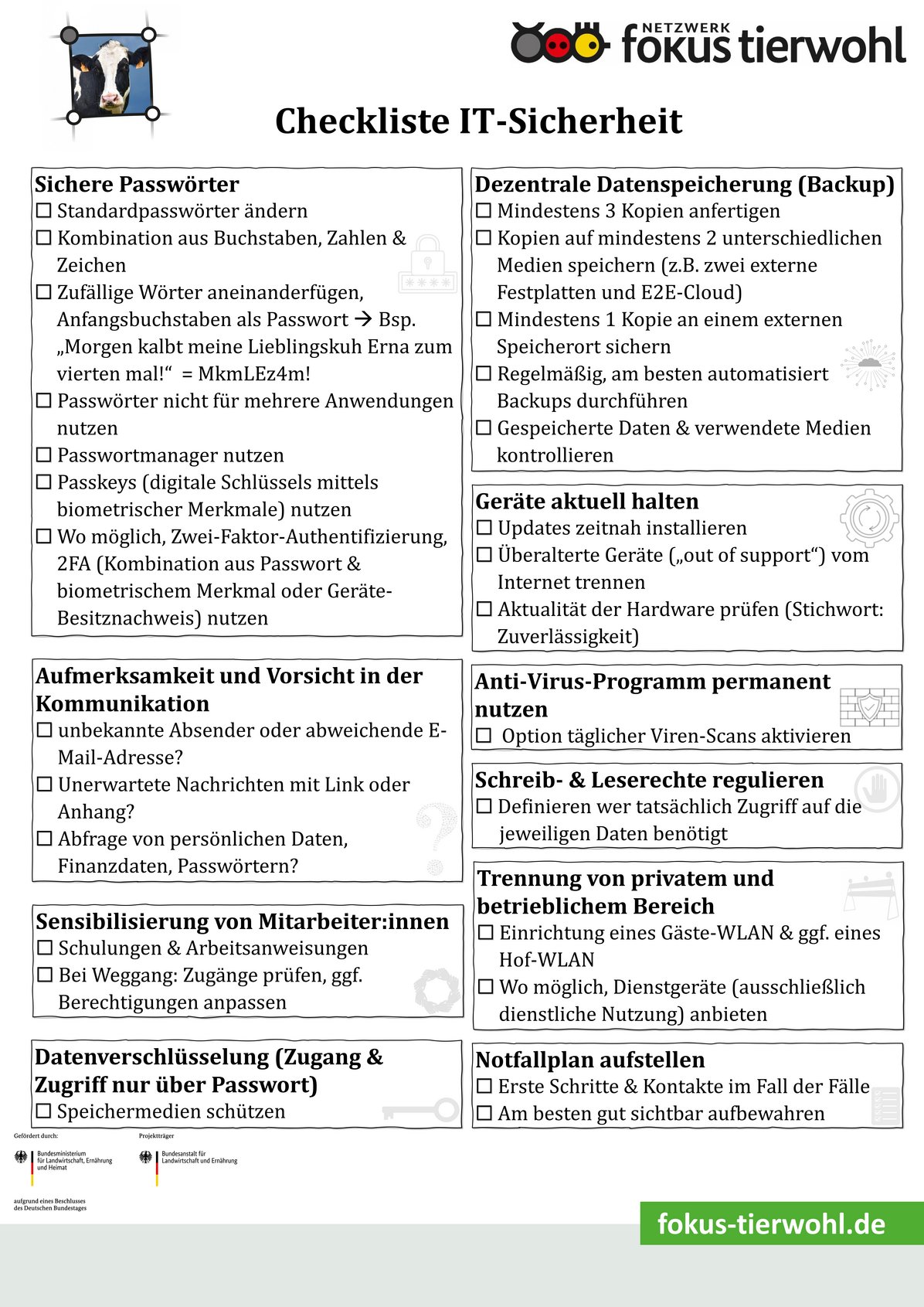
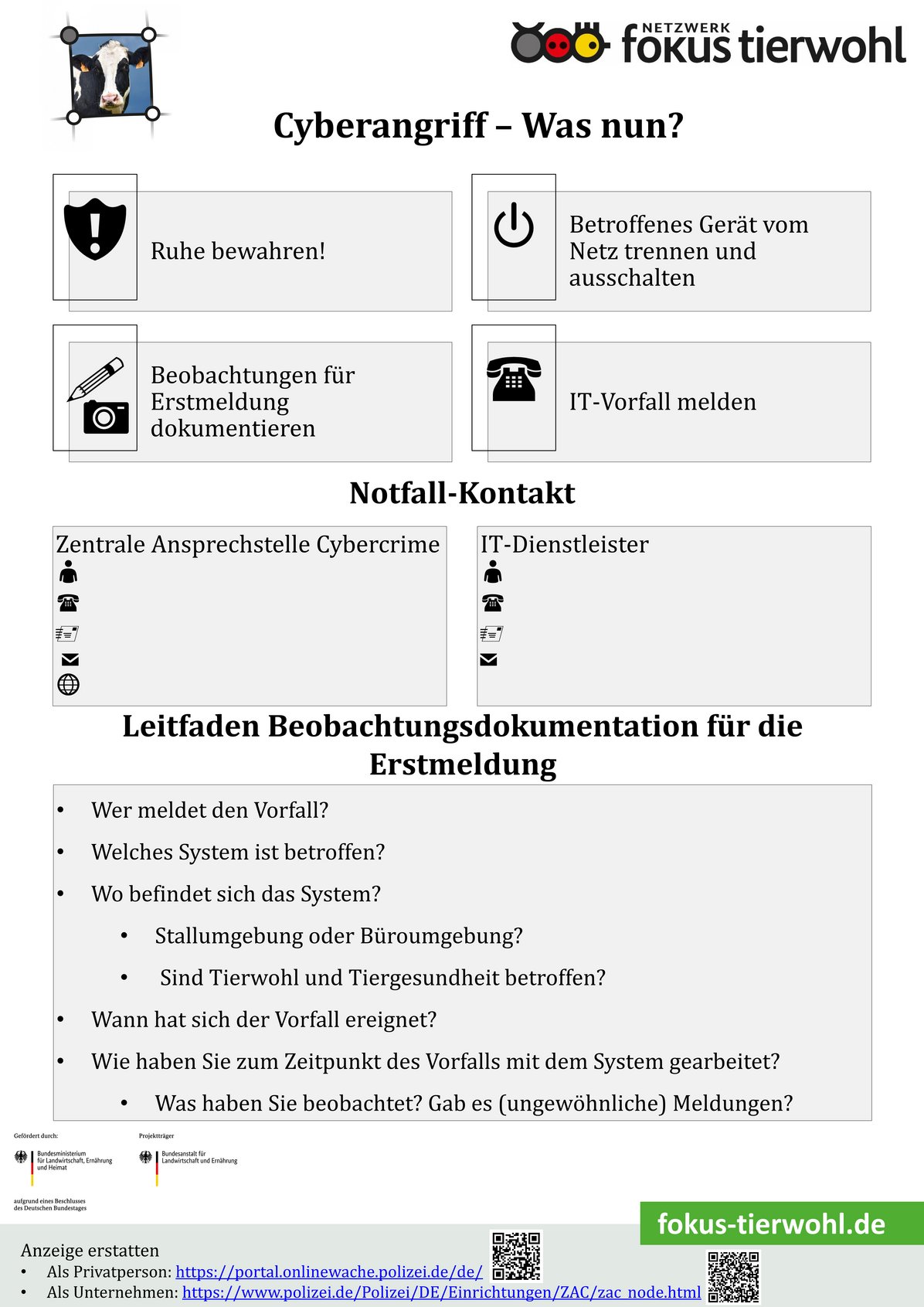
The following information sheets and checklists are therefore intended to provide initial guidance on taking preventative measures for your own organisation and ensuring that you are prepared with the most important immediate actions in the event of an IT emergency.
Go to the IT security checklist
Go to the IT Incident Checklist
Here you will find the contact details of the central cybercrime contact point (ZAC) for businesses in your federal state, which you can enter into the IT incident checklist.

Further information
IT Security Guide for Small and Medium-sized Enterprises
Federal Office for Information Security
Cybersecurity recommendations from the bsi
Information on secure passwords
Self-assessment for IT security in small and medium-sized enterprises
Recommendations on how livestock farms can prepare for a power cut
Information for victims of cybercrime
Federal Criminal Police Office (BKA) – Online Crime
Guide to Cybercrime by the Lower Saxony State Criminal Police Office (LKA)
Federal Criminal Police Office (BKA) – Information on cyberattacks against businesses
You can find initial digital advice here, for example: